
Content Creation & Video Editing PC
Faster timelines, quicker exports, less waiting.
Editing software uses hardware very differently from games. We plan the CPU, GPU, RAM and storage layout around your editor, your footage and how you deliver.
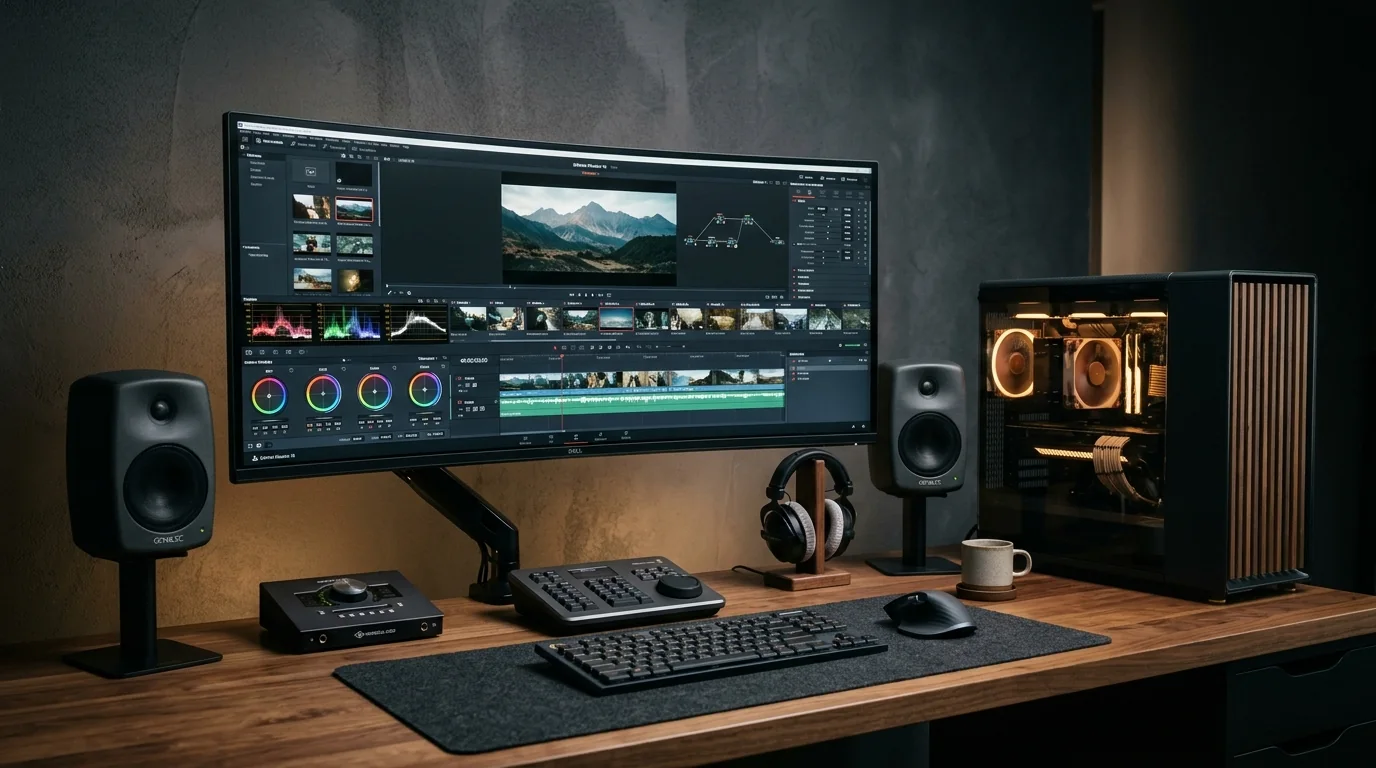
Supported Software & Frameworks
We test and tune memory timings, GPU acceleration, and CPU scheduling for the specific suite you rely on:
Common Use Cases Handled
Every day tasks this configuration is designed to execute without thermal throttling or memory choke:
- 1080p editing
- 4K editing
- Multicam editing
- Motion graphics
- Heavy rendering
- Photo editing
Which Components Matter Most for This Workload
Where to spend your budget and where you can safely save money without sacrificing stability or productivity.
Processor (CPU)
More cores help with exports, effects and encoding. Matters a lot in Premiere Pro and After Effects.
Graphics card (GPU)
Speeds up playback, effects and exports. DaVinci Resolve relies heavily on the GPU and its memory (VRAM).
RAM
32 GB is a comfortable start for 4K; heavy After Effects or multicam work benefits from 64 GB or more.
Fast NVMe storage
Separate drives for the system, active projects and cache keep timelines smooth.
Media & backup storage
Footage grows quickly. Plan large drives and a backup copy from day one.
Display
A colour-accurate monitor matters if you grade or deliver for clients.
Recommended Specification Profiles
Baseline recommendations. Exact components are chosen after discussing your preferred brands and budget range.
1080p Editing
YouTube, reels, social content
- 6–8 core CPU
- 16–32 GB RAM
- Mid-range GPU
- 1 TB NVMe
4K Editing
Client work, 4K footage
- 8–12 core CPU
- 32–64 GB RAM
- GPU with good VRAM
- Separate project / cache SSD
Multicam Editing
Events, interviews, podcasts
- High core-count CPU
- 64 GB RAM
- Strong GPU
- Large fast storage
Motion Graphics
After Effects-heavy work
- Fast multi-core CPU
- 64 GB+ RAM
- Capable GPU
- Fast cache drive
Heavy Rendering
Blender / 3D / long exports
- High core-count CPU
- High-VRAM GPU
- 64 GB+ RAM
- Strong cooling
Creator Workstation
Full-time studios
- Workstation-class CPU
- 64–128 GB RAM
- High-end GPU
- NVMe + bulk storage + backup
Room to Grow
- →Extra RAM slots free for later
- →Room for more NVMe drives
- →PSU sized for a GPU upgrade
Before You Buy
- •Tell us which editor you use – Premiere Pro, After Effects and DaVinci Resolve each favour different parts.
- •Camera codec matters. Some footage formats decode much better on specific hardware.
- •Plan your backup: one copy on the PC is not a backup.
Configure Your Video Editing & Creators
Choose your budget and preferences below to generate a tailored WhatsApp inquiry directly for our technicians.
- 1Purpose
- 2Budget
- 3Preferences
- 4Summary