
AI & Machine Learning Workstation
GPU memory first – then everything else.
For AI work, the amount of GPU memory (VRAM) decides which models you can run and how large your batches can be. We plan around your models and frameworks, and we are honest about what each GPU can and cannot handle.
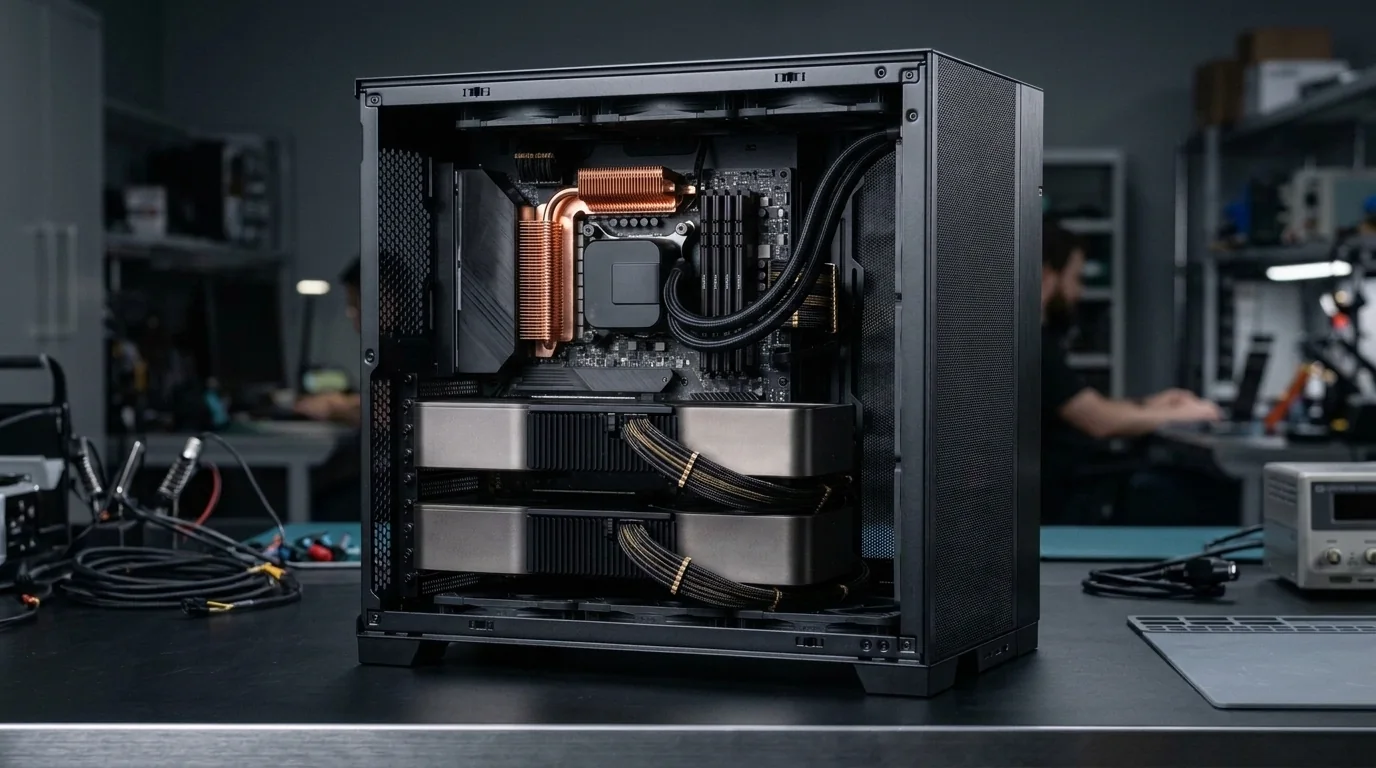
Supported Software & Frameworks
We test and tune memory timings, GPU acceleration, and CPU scheduling for the specific suite you rely on:
Common Use Cases Handled
Every day tasks this configuration is designed to execute without thermal throttling or memory choke:
- Model experiments
- Local LLM inference
- Deep learning training
- CUDA workloads
- AI image generation
- Data processing
Which Components Matter Most for This Workload
Where to spend your budget and where you can safely save money without sacrificing stability or productivity.
GPU VRAM
Sets the limit on model size. Larger language and image models need more VRAM to run fully on the GPU.
CUDA support
Most ML frameworks are best supported on NVIDIA GPUs with CUDA. We check driver and framework compatibility.
System RAM
Datasets and pre-processing need memory – usually at least as much as the GPU, ideally more.
Fast NVMe storage
Models and datasets are large. Fast storage speeds up loading and experiments.
Power & cooling
GPUs run at full load for hours. A quality PSU and good airflow are essential.
Recommended Specification Profiles
Baseline recommendations. Exact components are chosen after discussing your preferred brands and budget range.
Beginner AI Workstation
Learning ML, small models, notebooks
- 8-core CPU
- 32 GB RAM
- NVIDIA GPU with moderate VRAM
- 1 TB NVMe
Intermediate GPU Workstation
Fine-tuning small models, local LLMs, image generation
- 8–16 core CPU
- 64 GB RAM
- NVIDIA GPU with high VRAM
- 2 TB NVMe
- Strong PSU & cooling
Advanced GPU Workstation
Research, larger models, multi-GPU planning
- High core-count CPU
- 128 GB+ RAM
- Top-tier / multiple GPUs
- Large fast storage
- Workstation-grade PSU & airflow
Room to Grow
- →PSU and case sized for a bigger GPU
- →RAM expansion slots
- →Extra NVMe for datasets
Before You Buy
- •Tell us which models or frameworks you want to run – VRAM needs vary a lot.
- •Very large models may not fit on a single consumer GPU, even a high-end one. We explain these limits before you buy.
- •Multi-GPU builds need the right motherboard, case, power and cooling – plan them early.
Configure Your AI & Machine Learning
Choose your budget and preferences below to generate a tailored WhatsApp inquiry directly for our technicians.
- 1Purpose
- 2Budget
- 3Preferences
- 4Summary