
Server, NAS & Virtualisation PC
Always-on systems for files, VMs and labs.
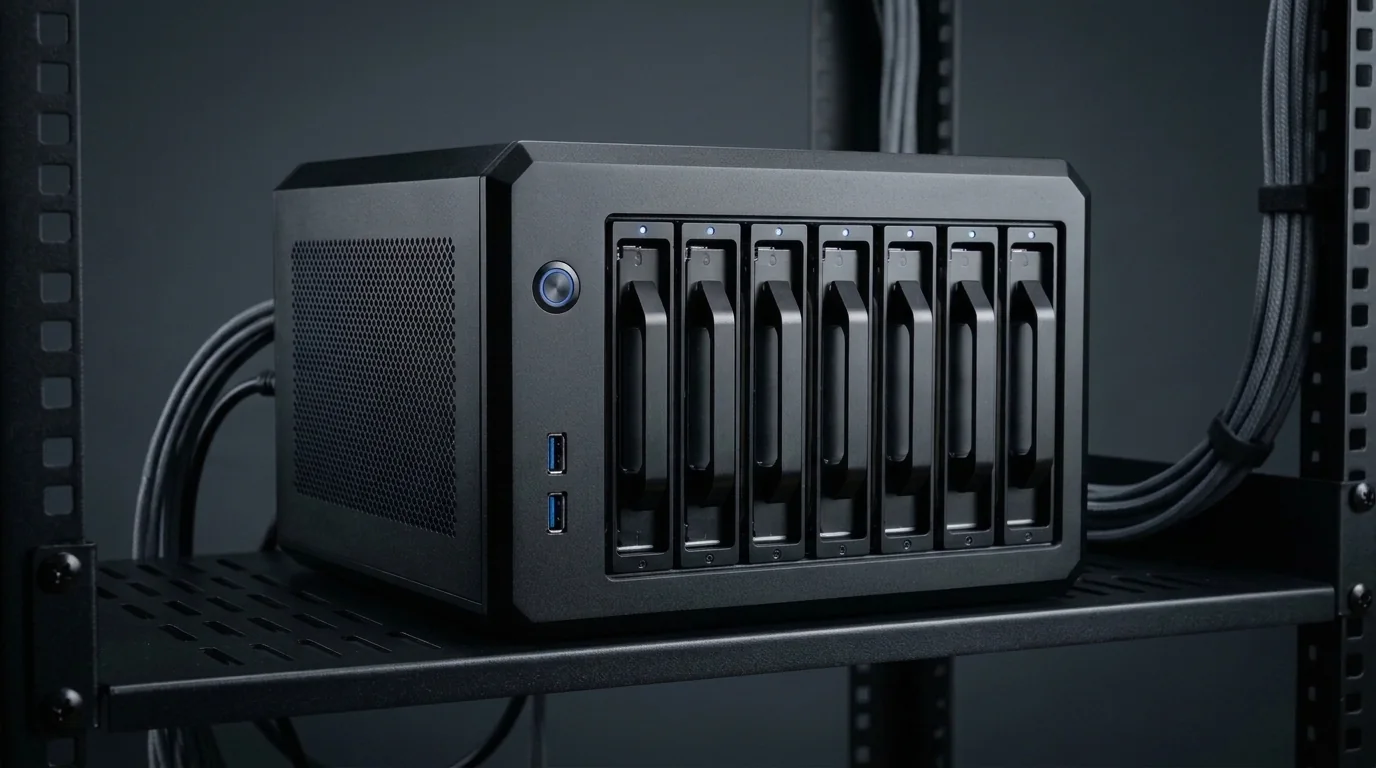
Servers and NAS boxes run 24 hours a day, so reliability, power efficiency and data safety come first. We plan cores, RAM, storage layout and backups for your exact use – file sharing, VMs, containers or a learning lab.
Supported Software & Frameworks
We test and tune memory timings, GPU acceleration, and CPU scheduling for the specific suite you rely on:
Common Use Cases Handled
Every day tasks this configuration is designed to execute without thermal throttling or memory choke:
- Virtualisation
- Linux & Windows servers
- NAS & file sharing
- Containers
- Testing labs
- Local hosting
Which Components Matter Most for This Workload
Where to spend your budget and where you can safely save money without sacrificing stability or productivity.
CPU cores
More cores let you run more VMs and containers at once.
RAM (and ECC where supported)
Each VM needs its own memory. ECC memory adds protection against data errors on supported platforms.
Storage layout
We plan drives, RAID/mirroring and file systems for your needs – and explain the limits.
Backups
RAID is not a backup. A separate backup copy is essential for important data.
Networking
Wired gigabit (or faster) networking matters for file transfers and VM access.
Power efficiency
An always-on machine should use as little power as practical. A UPS is strongly recommended.
Recommended Specification Profiles
Baseline recommendations. Exact components are chosen after discussing your preferred brands and budget range.
Homelab PC
Learning, self-hosting, home services
- Efficient multi-core CPU
- 32 GB RAM
- SSD + data drives
- Low idle power
NAS / Storage Server
File sharing & backups for home or office
- Efficient CPU
- 16–32 GB RAM (ECC if supported)
- Multiple drive bays
- Mirrored drives + backup plan
Virtualisation Lab
Proxmox / VMware / Hyper-V labs
- High core-count CPU
- 64 GB+ RAM
- Fast NVMe for VMs
- Multiple network ports
Small Business Server
Office file server, apps, user accounts
- Reliable server-friendly platform
- ECC RAM where possible
- Redundant storage
- UPS + off-site backup
Room to Grow
- →Spare drive bays for expansion
- →RAM slots for more VMs
- →Network card upgrade (2.5G / 10G)
Before You Buy
- •RAID protects against a drive failure – not against deletion, ransomware or theft. Always keep a separate backup.
- •ECC memory needs a compatible CPU and motherboard; we check this before recommending it.
- •Noise and heat matter if the server sits in an office or home.
Configure Your Server, NAS & Homelab
Choose your budget and preferences below to generate a tailored WhatsApp inquiry directly for our technicians.
- 1Purpose
- 2Budget
- 3Preferences
- 4Summary